Raycast Integration
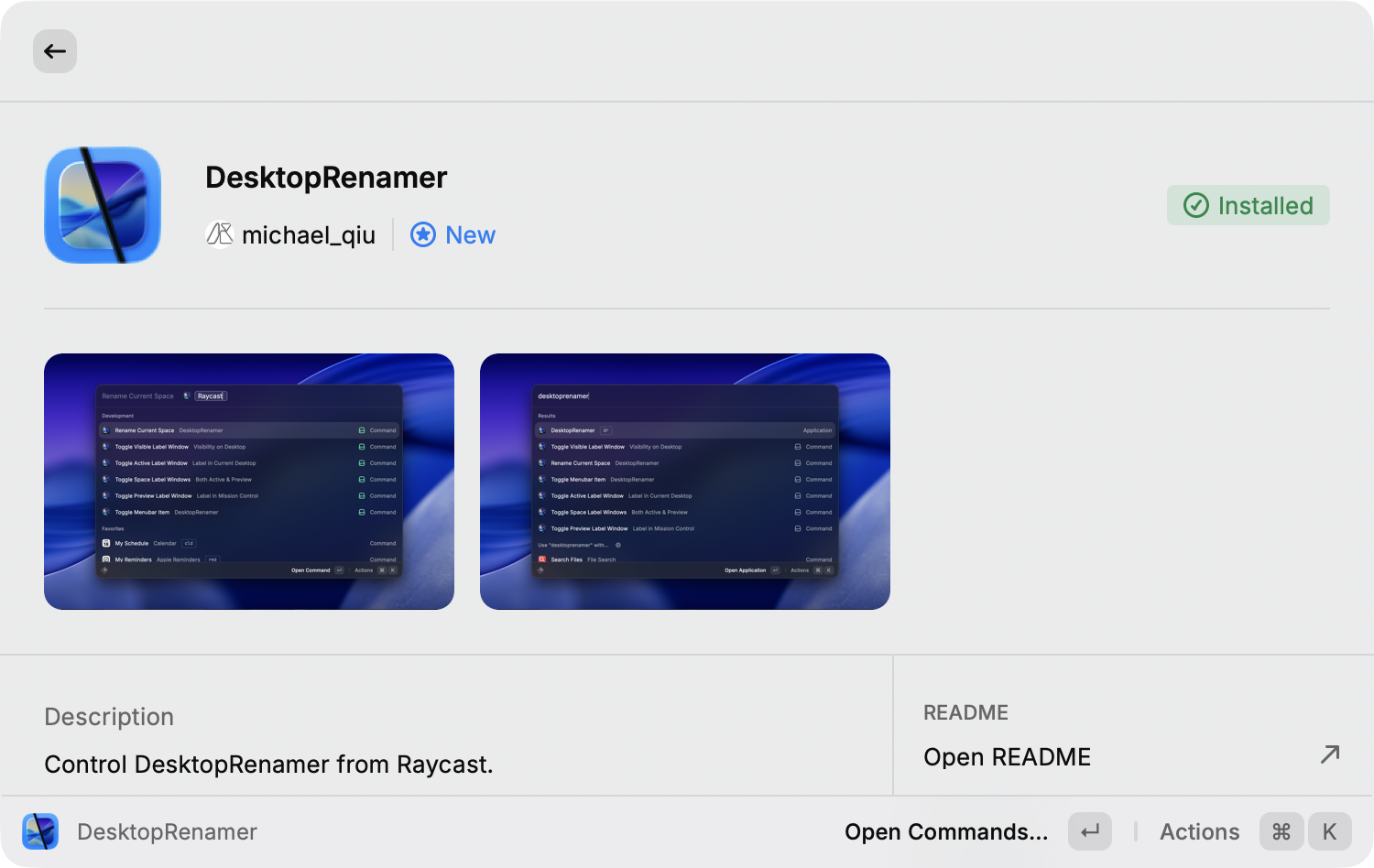
The official DesktopRenamer Raycast extension is a reference client for both API surfaces.
Setup
- Install DesktopRenamer and the Raycast extension.
- Enable SpaceAPI in Settings → General → Advanced.
- Grant DesktopRenamer Accessibility permission in System Settings → Privacy & Security → Accessibility.
- Open the extension and refresh its space and window data.
The extension uses the structured JSON-RPC SpaceAPI for automatic and SpaceAPI-mode reads and operations. It validates UUID-correlated responses and falls back to the legacy SpaceAPI or AppleScript when an older DesktopRenamer build does not provide the structured channel. It should be treated as an example of the integration sequence rather than a required dependency.
Full-screen windows
Full-screen spaces are managed differently from regular desktops. Some Accessibility operations require the target application to become active first, and DesktopRenamer may temporarily switch spaces or exit full screen before completing a window action. The command may therefore take longer than a regular desktop operation.
After any move, rearrangement, or full-screen transition, wait for the next SpaceAPI update before refreshing the Raycast UI. Do not cache space identifiers indefinitely.
Diagnosing a missing result
- Confirm that DesktopRenamer’s API is enabled.
- Confirm Accessibility permission and restart DesktopRenamer after changing it.
- Ensure the extension subscribes before posting SpaceAPI requests.
- Re-request
GetSpaceListafter displays or full-screen applications change. - Use
osascriptto test the AppleScript surface independently of Raycast.